







A Pinterest Keyword Research Workflow: From Explorer to Saved Keywords to Published Pins
The working Pinterest keyword research workflow: expand a seed in the Keyword Explorer, judge intent, save keywords, and turn them into scored pins and boards.
Research that dies in a spreadsheet helps no one. This workflow keeps it alive: expand, judge, save, build, revisit — with saved keywords living in the same workspace where your pins are drafted, scored, and scheduled.
Most Pinterest keyword research dies in a spreadsheet. You spend an hour harvesting phrases, save a file you never reopen, and draft next week's pins from memory anyway. The research was fine — the workflow around it was missing. This guide is that workflow, end to end: how to expand a seed topic in the Keyword Explorer, how to judge what you find, how saved keywords in your workspace keep the research alive, and how those phrases become pins and boards on a monthly rhythm.
The Workflow at a Glance
Six steps, designed to be repeated monthly: (1) pick a seed topic from your content or catalog; (2) expand it into real search phrases; (3) judge each phrase by intent and fit, not by size alone; (4) save the keepers to your workspace; (5) build pins and boards from the saved set; (6) revisit next month with fresh eyes and seasonal timing. Every step below uses tools that already exist in your account — the Explorer for expansion, saved keywords for persistence, and the Designer for production. Beginners who want the fundamentals first should start with our keyword research for beginners guide; this article assumes the basics and builds the system on top of them.
Step 1–2: Seed and Expand in the Explorer
Start with a seed you already own. A product category, a recipe type, a post that performed, a service you sell — one or two words that name the topic honestly. "Kitchen storage," not "home." Broad seeds return broad noise; the Explorer's job is to make a real topic wider, not to invent one.
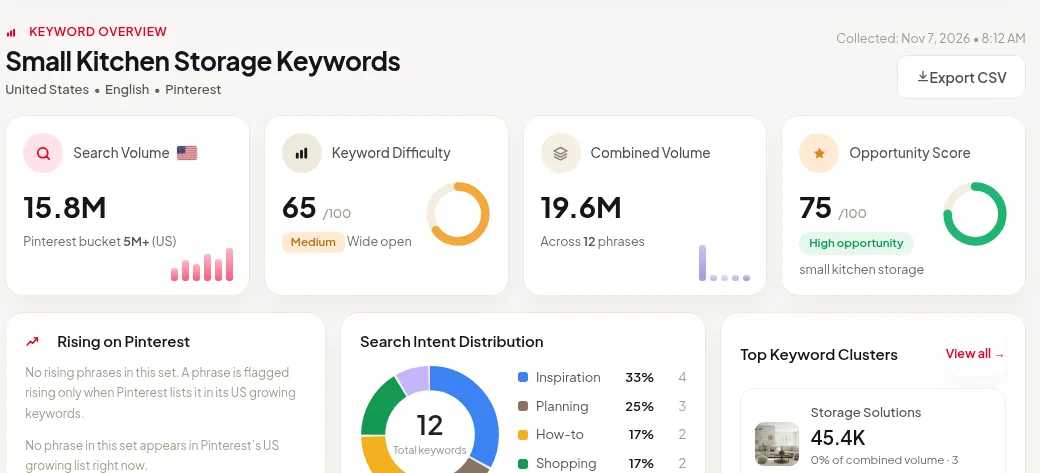
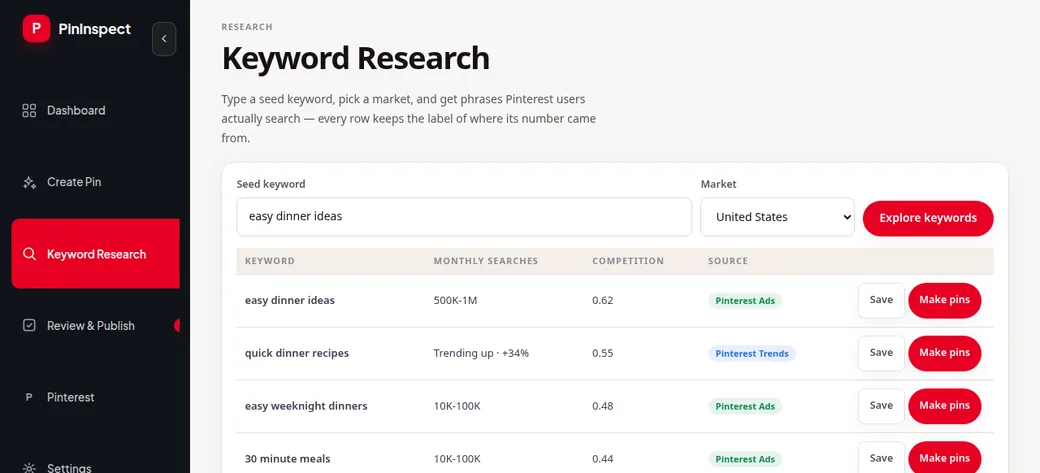
Expansion is where Pinterest-specific research earns its keep. The Explorer grows your seed into the variations searchers actually use — the longer, more specific phrasings Pinterest's own autocomplete and guided search surface — because Pinterest is a search engine with its own vocabulary, which is not Google's (we compared the two in Pinterest vs Google keyword research). Work the list in clusters: group phrases that describe the same underlying need, and note the ones that name a format — "ideas," "checklist," "for beginners," "small" — because format words are pin angles waiting to happen. The free Pinterest keyword tool covers quick lookups; the Explorer in your workspace is where the working set gets built.
Expand from your winners, not just your topics. Take the title keyword of your best-performing pin and run it as a seed — its variations are phrases your account already has permission to win, and they are the fastest source of next month's pins.
Step 3: Read Intent Before You Chase Volume
A phrase is only useful if you know what the searcher wants from it. Before saving anything, sort your clusters by intent:
- Inspiration intent ("small balcony garden ideas") — the searcher is browsing for a vision. These phrases want beautiful hero pins and idea-roundup pages.
- Instruction intent ("how to propagate basil") — the searcher wants steps. These want checklist and how-to angles, and a destination page that actually teaches.
- Shopping intent ("ceramic mugs handmade") — the searcher is close to buying. These want product pins with clean images and honest titles, linked to the exact product.
- Comparison intent ("cast iron vs carbon steel pan") — the searcher is deciding. These want head-to-head content and a page that genuinely compares.
Then judge competition honestly. A small account rarely wins the broad head term against established publishers — the low-competition keywords playbook exists for exactly that reason. Prefer the specific, intent-clear phrases you can serve best; a saved list of thirty winnable phrases outperforms a wishlist of five famous ones.
Step 4: Save Keywords to Your Workspace
This is the step that turns research into an asset. Saving a keyword in your workspace keeps it attached to the place where pins are actually made — visible when you draft, attachable when you score, reusable next month. Saved keywords are stored per workspace, so a store's phrases and a blog's phrases never contaminate each other, and a teammate opening the workspace next week sees the same research you did.
Save with intent attached: when you save a phrase, you are really saving a decision — this phrase, for this kind of pin, for this kind of page. A lean saved set you trust beats a hoard. If your saved list passes a hundred phrases, it has stopped being a decision tool and become another spreadsheet; prune it during the monthly revisit instead of letting it grow teeth.
Saved keywords are a workspace feature, separate from the public keyword tool's quick lookups. Research you do while signed out is fine for a single pin; research you intend to build a month of content on belongs in the saved set, where it cannot be lost to a closed tab.
Step 5: Turn Saved Keywords Into Pins and Boards
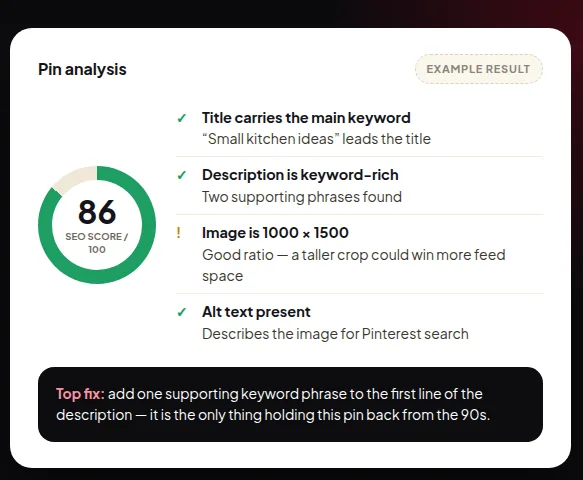
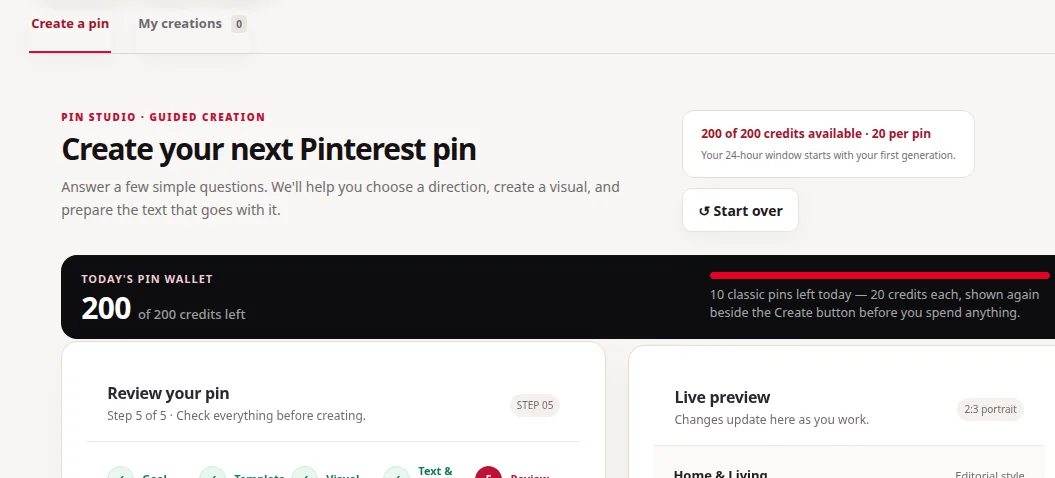
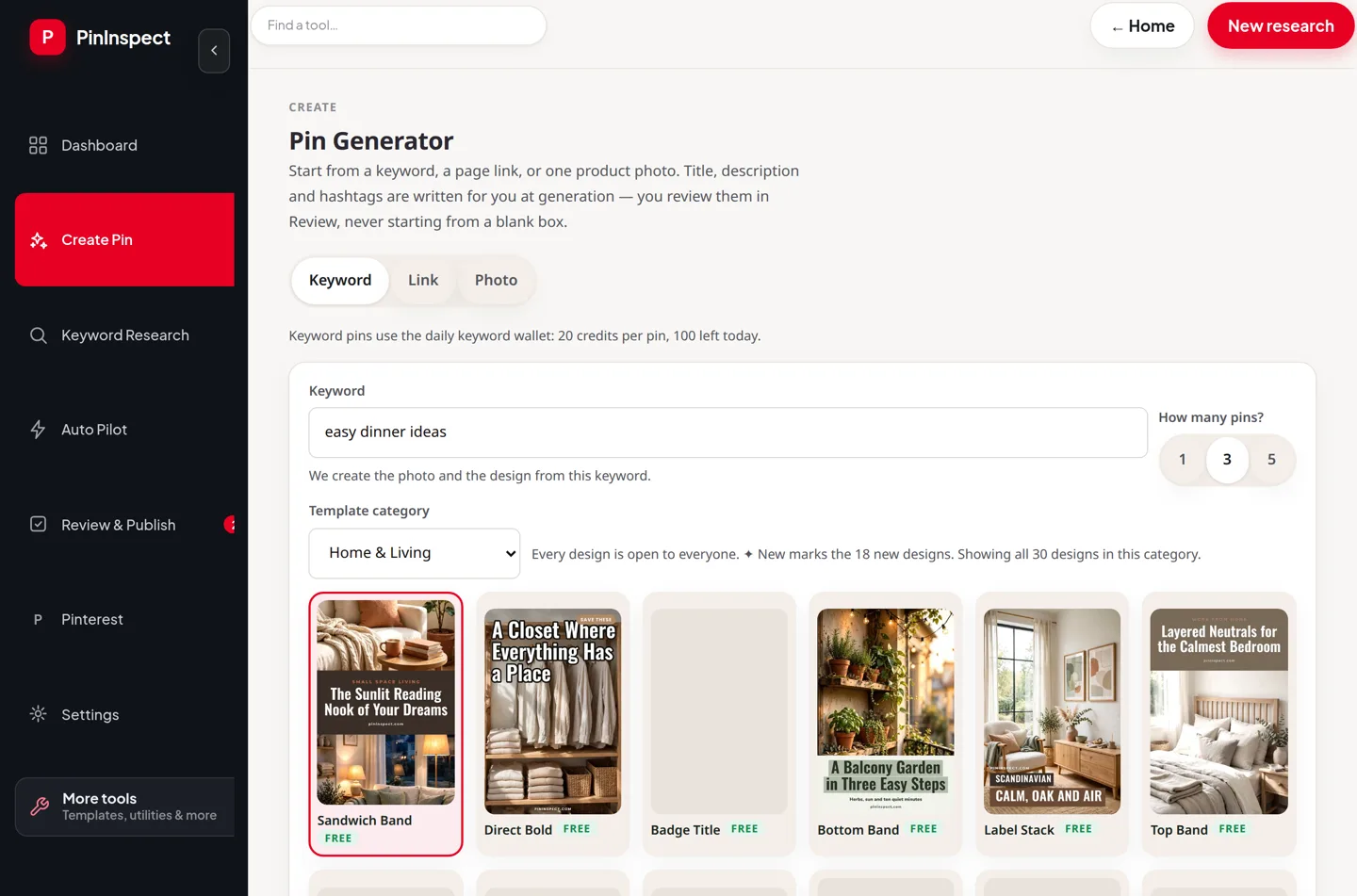
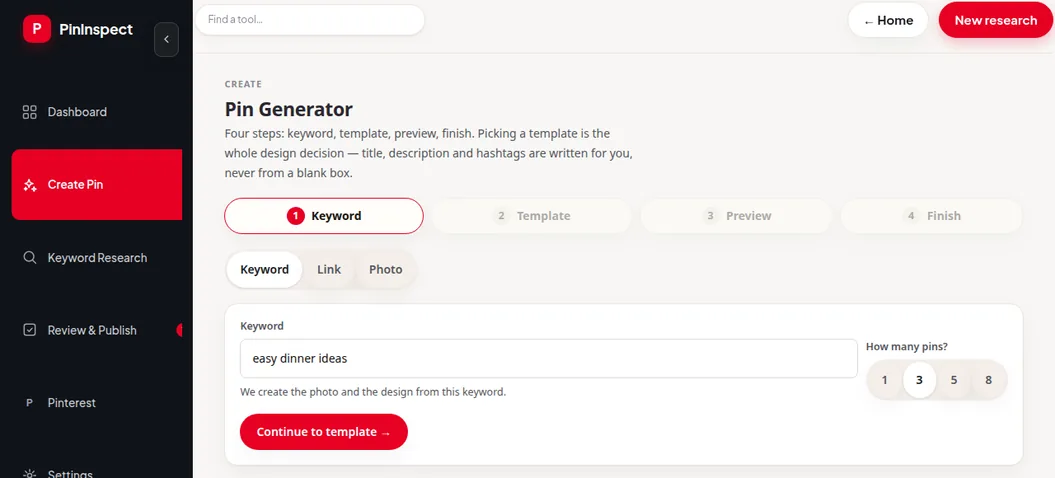
Production is one step from the saved list. Open the Designer in keyword mode, pick a saved phrase, and the draft is built around it — headline, title with the keyword placed where the SEO score wants it, description, alt text, and the phrase plus its variations attached for keyword coverage. Keyword mode draws on the daily keyword wallet (100 credits a day at 20 per pin, every plan), so a research session can produce a week of drafts without touching your monthly generation credits.
Boards come from the same list. A cluster of saved phrases around one need is a board waiting to be named — the cluster's clearest phrase becomes the board title, and the board's first pins come from the same cluster, which is how boards acquire the topical focus our board SEO guide describes. Research, naming, and first content from one saved cluster: that is what "workflow" means, as opposed to four disconnected chores.
Build your saved keyword set
Expand a seed in the Explorer, save the phrases worth building on, and draft pins from them in the same sitting.
Step 6: The Monthly Revisit
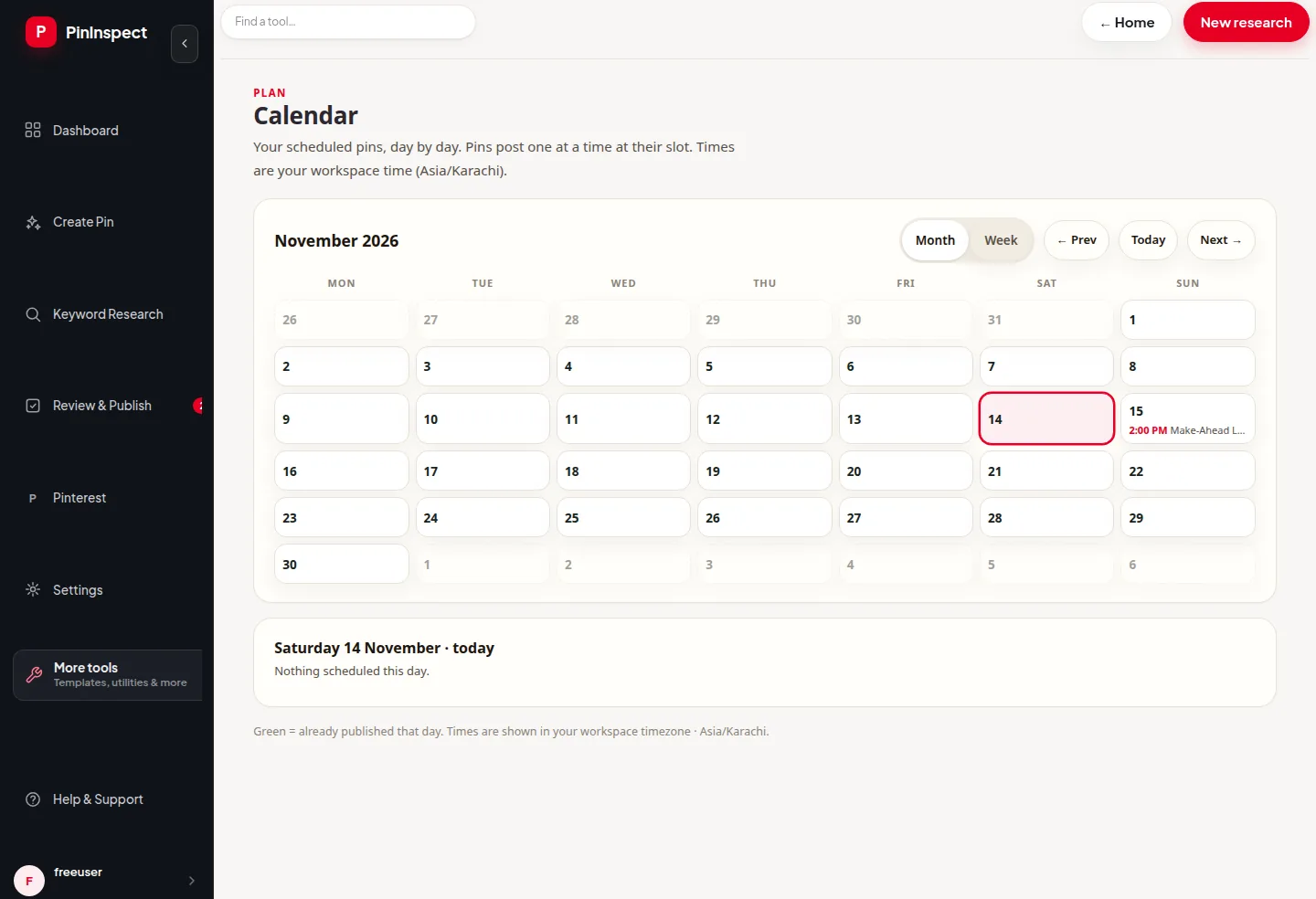
Pinterest demand moves with the calendar, and saved research expires quietly. Seasonal phrases heat up weeks before the season itself; a phrase saved in January for spring content is an asset, and the same phrase still sitting unscheduled in June is a reminder. Put the revisit on a monthly rhythm:
- Prune: delete saved phrases you no longer intend to serve — the list stays a decision tool.
- Promote: move next season's phrases to the front of the queue while there is still time for pins to be indexed and tested before the peak.
- Expand again: run your best performers as new seeds (Step 2) — the workflow is a loop, not a line.
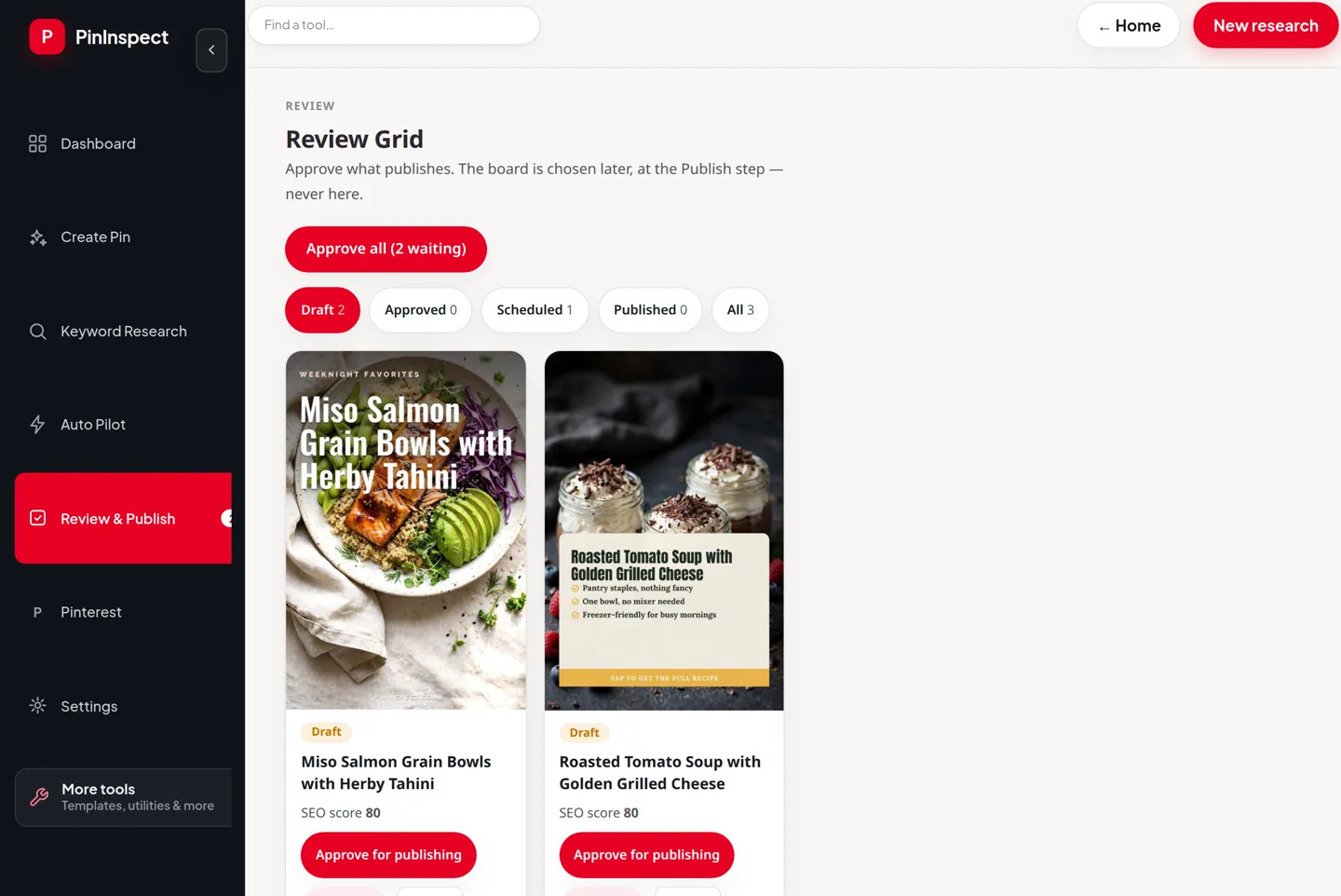
- Check coverage: every saved phrase should map to at least one pin or one planned page. A phrase with neither is a wish, not research.
That is the whole system: an hour a month of structured research, a saved set that lives where the work happens, and pins that come out of phrases on purpose. It will not make a bad page rank — but it guarantees that when you sit down to create, you are building on what your audience is actually searching for. Deeper technique for the research itself is in our complete Pinterest keyword research guide.
Frequently Asked Questions
Put Your Research Where the Work Happens
Save your winning phrases in the workspace and draft pins straight from them — no spreadsheets, no lost tabs, no starting from memory.