







How to Get Traffic on Pinterest: A Step-by-Step System That Compounds
How to get traffic on Pinterest with a system that compounds: keyword-led pins, focused boards, a steady publishing rhythm, and a weekly analytics loop.
Your pins are live, but the clicks are not coming. This guide explains how Pinterest traffic actually works — and gives you a five-step system and a weekly routine that turn pins into steady traffic to your website.
You are publishing pins, but the clicks are not coming. The pins look fine. People even save them now and then. Yet your traffic from Pinterest stays flat. This is the most common Pinterest problem there is — and it is rarely a design problem.
Pinterest traffic runs on a simple rule. Pinterest shows your pin when it matches what someone is searching for, and people click when the pin promises a page worth visiting. This guide shows how to get traffic on Pinterest with a system built on that rule: find the searches, build pins that match them, and keep the loop running every week.
How Pinterest Traffic Actually Works
Most creators treat Pinterest like a social feed. It is not one. Nobody needs to follow you for your pins to spread, and a pin does not die after a day. Pinterest works more like other search engines than like Instagram: people arrive with a plan, type what they need, and click the result that fits. That is why bloggers and shops use Pinterest to drive readers to their sites month after month.
Your traffic comes from three places:
- Search. A user types "small kitchen storage ideas" and clicks a pin. This is the most durable traffic, because the search keeps happening every day.
- The home feed. Pinterest fills it with pins related to what each user searches and saves. Strong search performance feeds the home feed too.
- Related pins. Under every pin, Pinterest suggests similar ones. Pins on clear topics get suggested more often.
In all three places, the same thing decides your fate: how well Pinterest understands your pin, and how clearly it matches a real need. Followers help a little. Understanding helps a lot.
The Pinterest Search Algorithm, in Plain Terms
The Pinterest search algorithm is not a mystery box. It ranks pins by a handful of signals, and most of them sit in your control. In plain terms, it asks four questions about every pin:
- Is it relevant? The words in your title, description, and board are matched against the search. If your pin never says the words, it cannot rank for them.
- Is it fresh? Pinterest favors new pins and new images. A fresh take on a proven topic gets tested faster than a re-save of an old pin.
- Do people engage with it? Saves, close-ups, and clicks tell Pinterest the pin satisfied the searcher. Pins that earn engagement get shown more.
- Is the source trustworthy? A claimed website, steady publishing, and pins that send people to pages matching their promise all build trust over time.
That is the whole game. Every step in the system below exists to strengthen one of these four signals. There is no hack around them — and no need for one.
The Traffic System, Step by Step
Here is how to increase Pinterest traffic in practice: five steps, in order. Each one is simple. The power is in doing all five, every week.
Research the Searches First
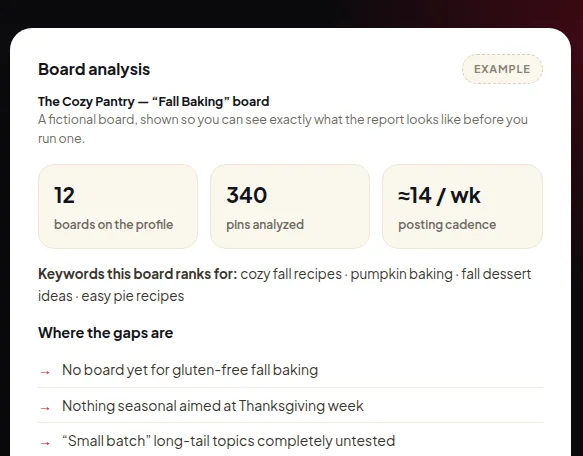
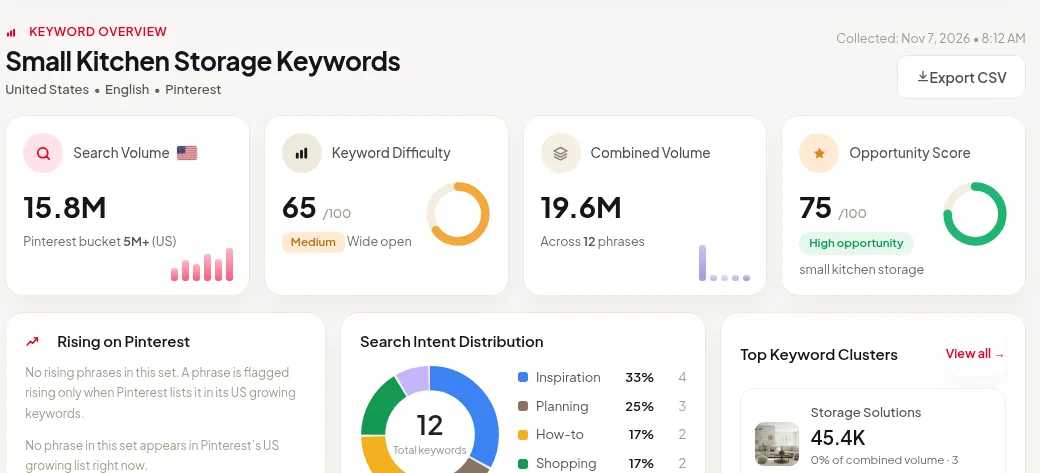
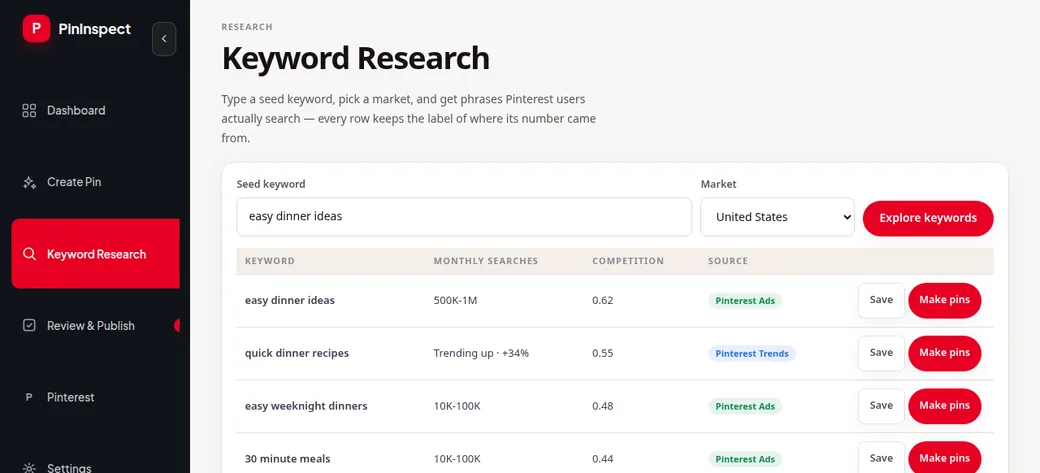
Traffic starts before you design anything. Build a list of phrases your target audience actually types into Pinterest. Type a topic into the search bar and note the autocomplete suggestions — those are real searches. Group them into topics, and give each pin one clear phrase. The free Pinterest keyword tool does this in minutes, with long-tail phrases, intent labels, and trend direction, so you stop guessing. Our keyword research guide walks through the full method.
Build Pins That Earn the Click
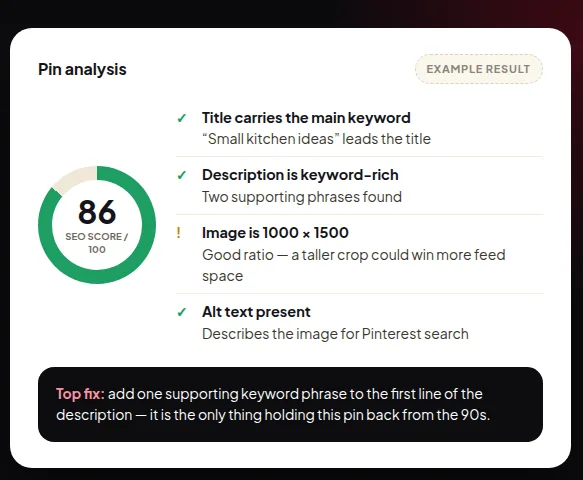
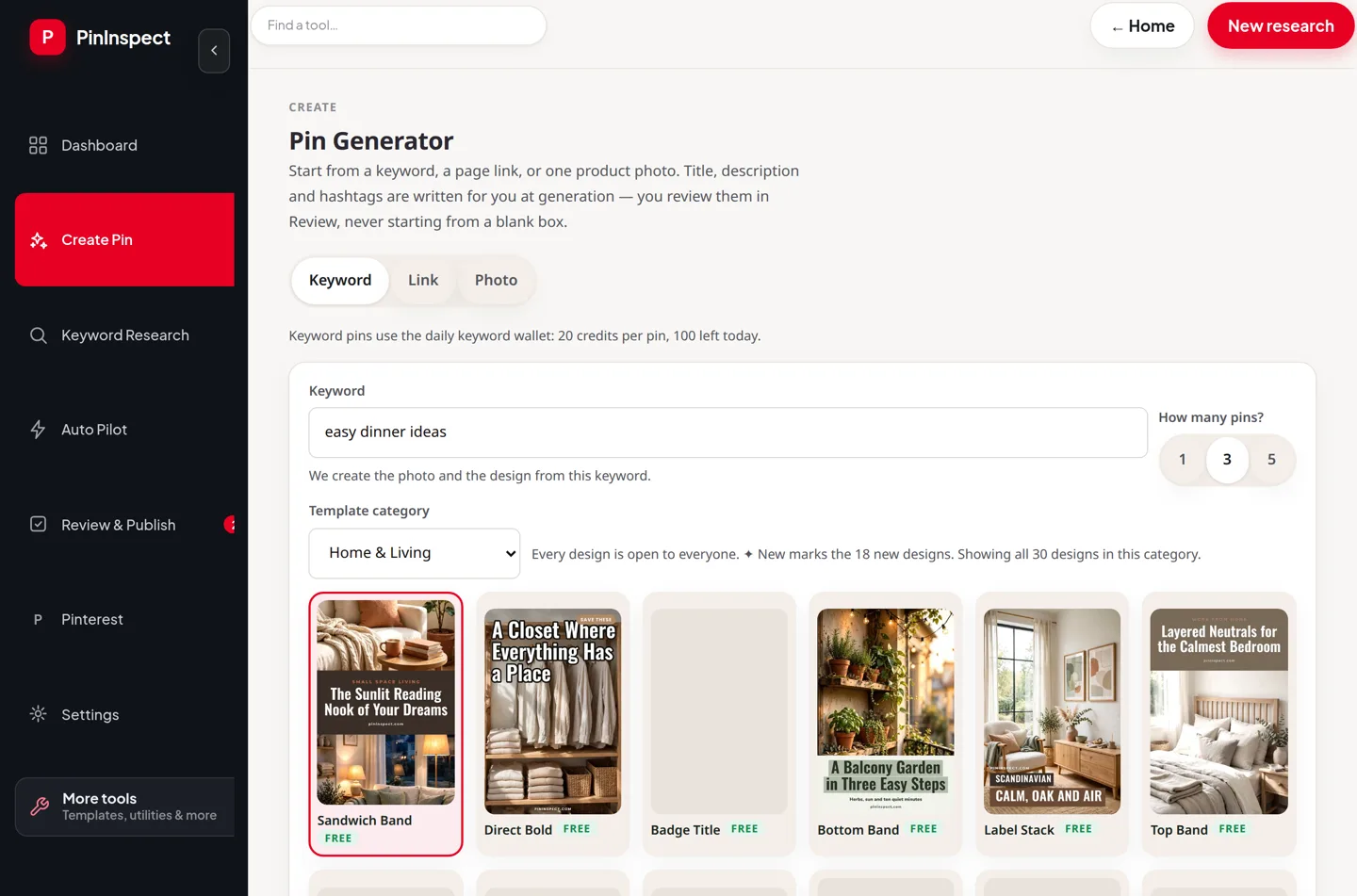
A pin has one job: make the right person stop and click. Use a vertical image with one clear subject. Put the primary keyword at the start of the title, then add the benefit. Write two or three honest sentences in the description, with the keyword early. Then link the pin to the exact page that delivers the promise — one of your blog posts, a product, a guide — never your homepage.
Give Every Pin the Right Board
Boards are how Pinterest files your content. Keep one board per clear topic, named the way people search, with a short description that uses your phrases in plain sentences. Save each new pin to its most relevant board first. That first save tells the algorithm what the pin is about, and every later save builds on it.
Publish on a Rhythm, Not in Bursts
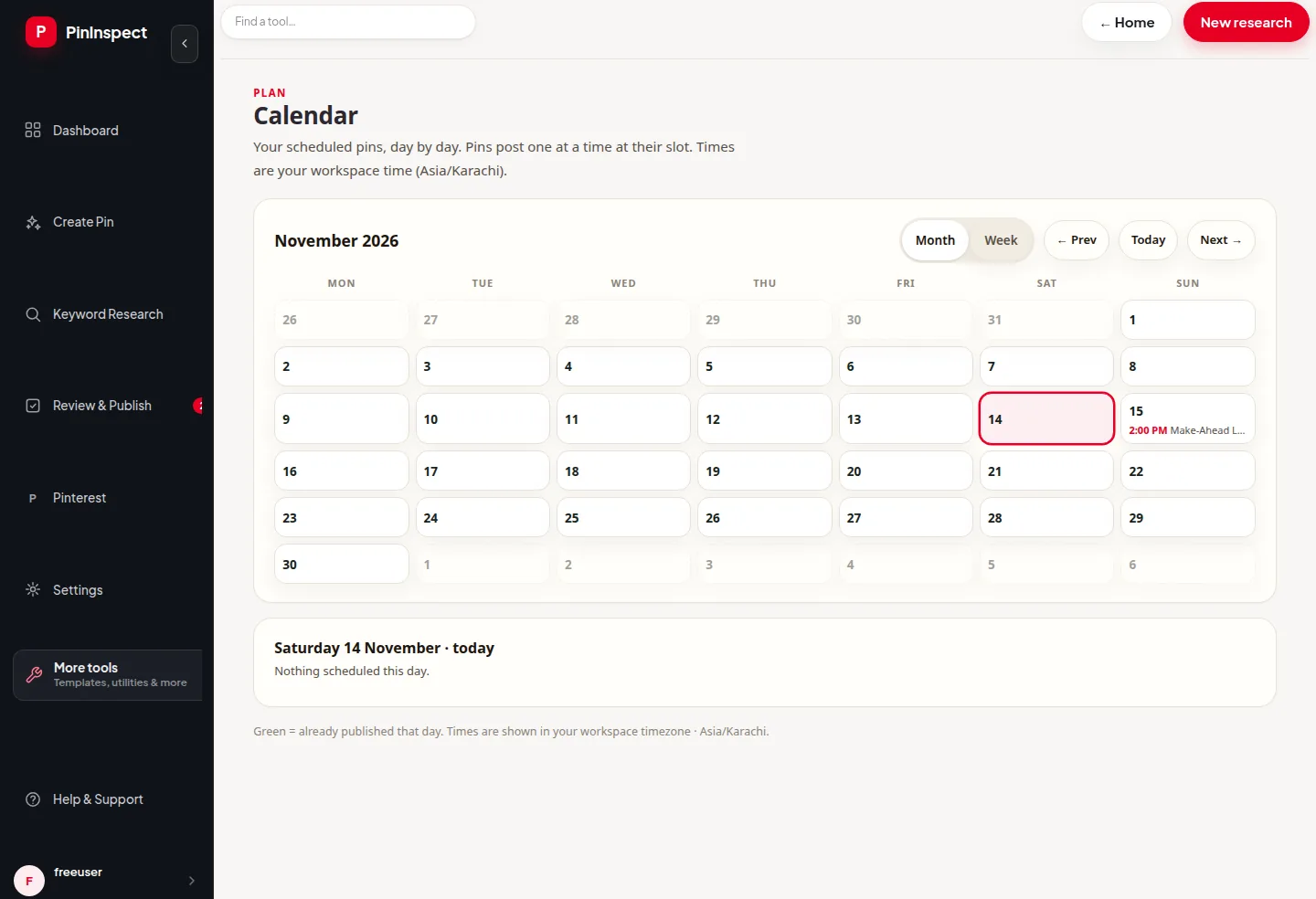
Steady beats heavy. A few fresh pins most days will outperform fifty pins in one weekend, because freshness is a ranking signal and new pins need time to be tested. Plan seasonal topics early — people plan holidays and projects weeks ahead — and use the Pinterest trends tool to see what is rising before you choose what to make next.
Refresh Winners, Retire Dead Weight
Once a month, open Pinterest Analytics and sort your pins by outbound clicks. Your top topics are proven demand. Make fresh pins for those same pages, aimed at nearby phrases from your keyword list. For pins with impressions but no clicks, fix the image or the title before you blame the topic. A Pinterest SEO tool helps you audit titles, descriptions, and boards without digging through every pin by hand.
Your next pin deserves a real search behind it
Build your keyword list first — free, with intent labels and trend direction — then make the pin.
Mistakes That Kill Pinterest Traffic
Most flat accounts share the same few mistakes. None of them need more content to fix — just better signals on the content you already have.
- Pinning without keywords. Titles written from imagination match no search, so the pin is invisible from day one.
- Boards named for you, not for searchers. "My Stuff" and "Inspiration" tell the algorithm nothing about your topics.
- Re-saving the same pin. Duplicate creative competes with itself and signals low effort. Fresh image, fresh chance.
- Linking to your homepage. The click must land on the page the pin promised, or the visitor leaves and the pin's record gets worse.
- Judging a pin in three days. Pinterest tests new pins over weeks. Kill a topic too early and you never see the compounding start.
Skip any tactic built on keyword stuffing, irrelevant boards, or engagement bait. Pinterest's spam systems look for exactly that, and a suppressed account costs far more than a slow month. Every step in this guide works because it helps Pinterest understand genuinely useful content.
A Simple Weekly Routine
You do not need a daily habit or a big team. You need one repeatable loop. This routine takes a few hours a week and covers all four algorithm signals:
📋 The Weekly Traffic Loop
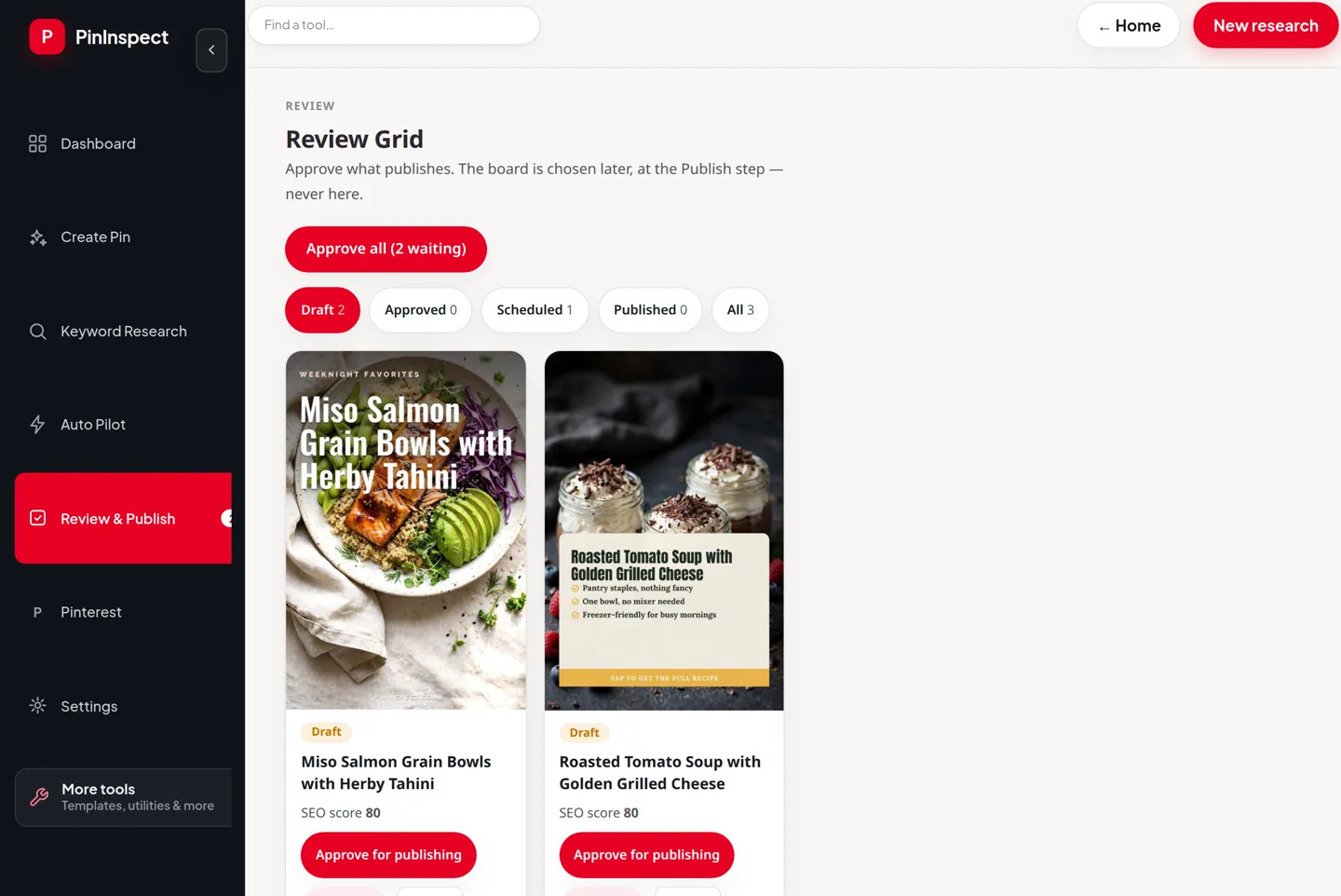
Run the loop for eight to twelve weeks before you judge it. Pinterest traffic builds slowly, then all at once — because every good pin you publish keeps working while you sleep. If you want the deeper framework behind the loop, our guide on how to do Pinterest SEO covers profile, board, and pin setup in full.
Frequently Asked Questions
Start Building Your Pinterest Traffic System
Pick one topic, research its keywords, and publish your first system-built pin this week. The tools are free — the only cost is starting.