







Ahrefs and Pinterest: What Ahrefs Can and Can't Do for Pinterest Research
Does Ahrefs work for Pinterest? Ahrefs has no Pinterest keyword data — Pinterest is not one of its search engines. Here is what Ahrefs genuinely can do for Pinterest marketers, and what to use instead.
Ahrefs is a superb SEO suite — for Google. This guide separates what it genuinely offers a Pinterest marketer (more than you might think) from what it cannot do at all: the part most people assume their subscription already covers.
If you already pay for Ahrefs, it is natural to assume it covers your Pinterest work too. It is the tool open in the next tab for everything else: keywords, competitors, content gaps. So when a Pinterest question comes up — what are people searching, which topics are worth a pin — the first instinct is to type it into Keywords Explorer and read the volume.
This guide exists because that instinct leads somewhere misleading. Ahrefs is genuinely useful to a Pinterest marketer in a few specific ways, and completely blind in the way most people try to use it. Here is the honest split, with the receipts.
The Short Answer: Can and Can't
| Question | Can Ahrefs do it? |
|---|---|
| Show what people search inside Pinterest | ✗ No — Pinterest is not one of its search engines |
| Pinterest search volume or keyword difficulty | ✗ No |
| Pin, board or account performance analytics | ✗ No |
| Schedule or publish pins | ✗ No — its Social Media Manager covers LinkedIn, X, Instagram and Facebook |
| Show which web pages get shared to Pinterest most | ✓ Yes — Content Explorer and Top Content share counts |
| Find Google keywords where pinterest.com ranks (demand proxy) | ✓ Yes — Ahrefs' own suggested workaround |
| Research Google keywords for the blog posts you pin | ✓ Yes — its core strength |
Why Ahrefs Has No Pinterest Keyword Data
Keywords Explorer — the part of Ahrefs where keyword data lives — is built around a fixed list of search engines. When Ahrefs launched Keywords Explorer 3.0, it announced the engines it tracks: Google, and then YouTube, Amazon, Bing, Yahoo, Yandex, Baidu, Daum, Naver and Seznam. Ten engines, each a place where Ahrefs can observe searches and clicks.
Pinterest is not on that list. It never has been. So there is no Pinterest database inside Ahrefs to query: no Pinterest search volume, no Pinterest keyword difficulty, no Pinterest click curves. Any number Ahrefs shows you for a phrase is a number about Google (or YouTube, or Amazon) — a different audience, searching in a different place, for different reasons.
So what happens when you type a Pinterest topic into Keywords Explorer anyway? You get a perfectly real answer — to a different question. The volume is Google's, the difficulty is the difficulty of ranking a web page on Google, and the click data describes people who search in order to visit a website. Pinterest searchers behave differently: they search in order to save, plan and eventually buy, often weeks before acting, and a pin — not a web page — is what has to rank. A phrase can be enormous on Google and quiet on Pinterest ("invoice template" is mostly a download intent), or modest on Google and huge on Pinterest, where visual planning topics like small-space decor live. Planning a pin strategy on Google numbers is planning with the wrong map: the borders look similar, the roads are different.
The same gap runs through the rest of the suite. There is no pin, board or account analytics anywhere in Ahrefs, and when Ahrefs launched its Social Media Manager in 2025, the networks it supports were LinkedIn, X, Instagram and Facebook — Pinterest not included. None of this is a criticism of Ahrefs; it is a web-search and web-content platform, and a very good one. It is simply not connected to Pinterest's search box.
What Ahrefs Can Do for a Pinterest Marketer
1. Find content Pinterest users already spread
The one place "Pinterest" genuinely appears in Ahrefs is share counts. In Content Explorer you can filter and sort pages by Pinterest shares, and Site Explorer's Top Content report shows the pages of any site that earned the most Twitter and Pinterest shares — a use Ahrefs itself recommends for seeing where competitors' content travels.
Read that number correctly: it counts how often a web page's URL was shared or pinned. It says nothing about searches, impressions or saves inside Pinterest. But as a prospecting tool it is excellent — the articles in your niche with high Pinterest share counts are proven pin material. Study what they cover and how their pins look, then make yours better.
2. Use Google rankings of pinterest.com as a demand proxy
Ahrefs' own "search everywhere optimization" guide suggests this exact workaround for Pinterest: in Keywords Explorer, filter for keywords where pinterest.com ranks in Google's top 10, with real Google search volume. The logic is sound — if people Google a visual topic heavily and Pinterest pages rank for it, the topic very likely has an audience on Pinterest too.
Just keep the label honest: it is a proxy built on Google data. It can point you at promising topics; it cannot tell you the Pinterest phrasing, the Pinterest competition, or when Pinterest demand peaks. For those, you need Pinterest-side data (section 4).
3. Win the Google half of every pin
Most pins point at a web page, and that page lives or dies on Google as well. Site Explorer's Top Pages and organic-keyword reports — for your site and for competitors — show which articles earn search traffic and backlinks, which is exactly the content worth pinning hardest. This is Ahrefs' home turf, and for the blog side of a Pinterest strategy there is no substitute.
It is worth noting where Ahrefs itself sends Pinterest researchers: its roundup of content-creation tools recommends Pinterest Trends for Pinterest topic research — pointing readers to Pinterest's own free tool rather than to Ahrefs. That is the right instinct, and it leads directly to the next section.
4. Find the pages worth pinning hardest
Site Explorer's "Best by links" view ranks a site's pages by the backlinks they have earned. Pages that attract links tend to be the substantial, evergreen resources — the same pages that usually make the strongest pins, because both signals reward genuinely useful content. Run it on your own domain to build a pin-priority list, and on a competitor's domain to see which of their resources the web already vouches for. Paired with the Pinterest share counts above, it separates "content people link to" from "content people pin" — the overlap is your highest-value library.
What to Use Instead for Pinterest Research
Pinterest's own search box is the primary source: autocomplete and the guided-search chips under it show the exact phrases Pinterest users search, in Pinterest's own groupings. Slow to mine by hand, but nothing else is ground truth.
Pinterest Trends adds the time dimension — whether a phrase is rising, seasonal or fading — free, straight from the platform.
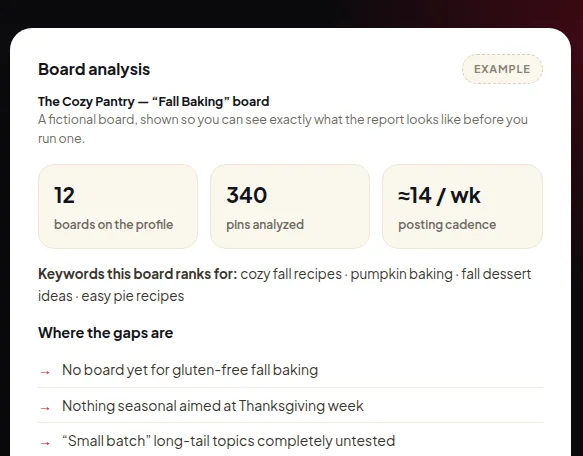
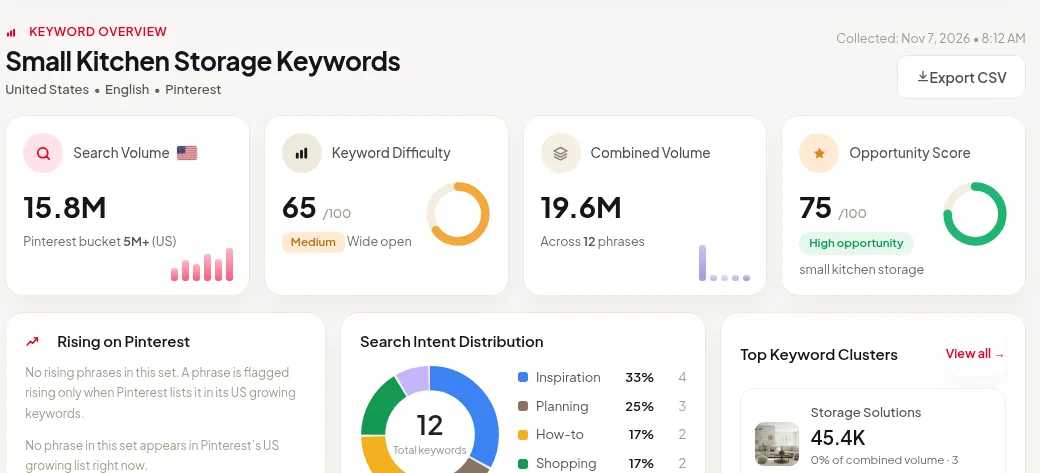
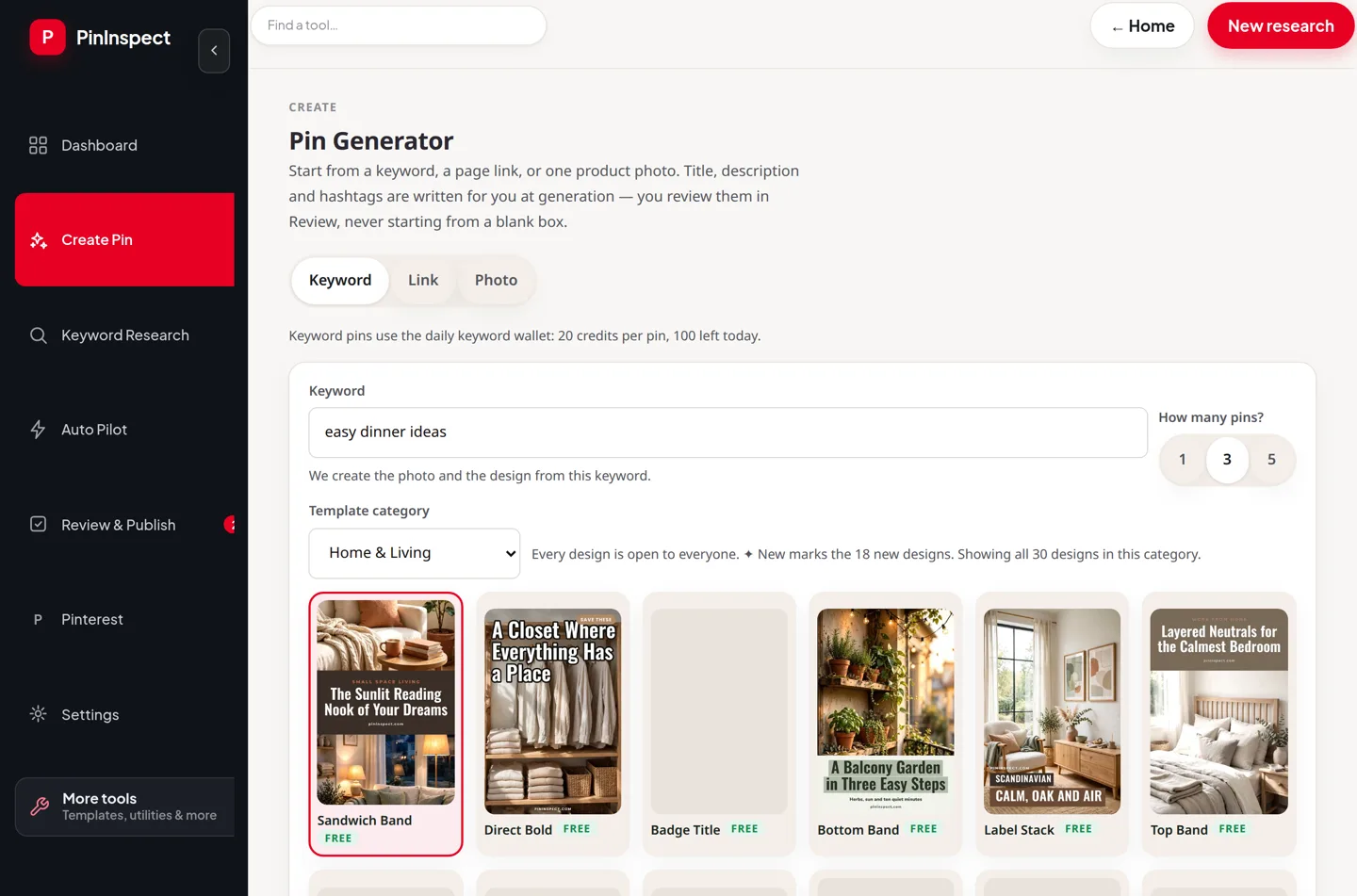
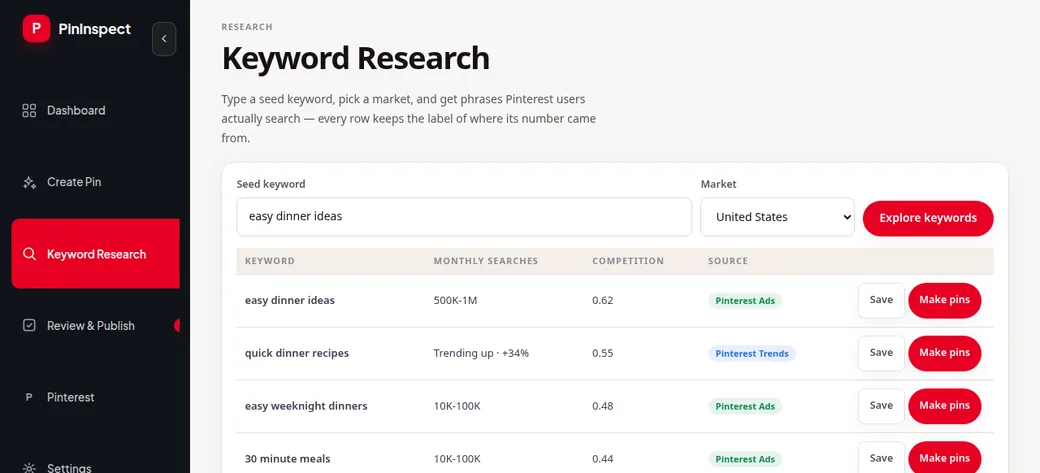
A Pinterest-native keyword tool does the mining at scale. In PinInspect's keyword tool, phrases are expanded from your seed topic, grouped by intent and scored, ready to map to boards and pins. One honesty note that applies to every tool in this category, ours included: Pinterest does not publish exact search volumes, so PinInspect labels each phrase's demand signal by its source — Pinterest Ads data where available, a clearly-marked modeled estimate where not. Any tool that quotes you an exact Pinterest search volume is inventing it.
Pinterest Analytics covers the measurement side: impressions, saves, outbound clicks and audience insights for your own account, free with a business profile. It cannot research a topic you have not published yet — that is what the tools above are for — but it is the scoreboard every research decision gets judged against.
New to the Pinterest side of research? Start with the full Pinterest keyword research guide, then use the tools above to run it.
The Combined Workflow
The two toolkits are complements, not rivals. A workflow many marketers settle into:
- Topic discovery (Ahrefs): find your niche's proven content — Top Pages, Top Content's Pinterest shares, and Google keywords where pinterest.com ranks.
- Pinterest validation (Pinterest-native tools): check the topic's real Pinterest phrasing, intent and trend curve before committing.
- Create the pin around the validated phrase, and publish the supporting article with its Google keywords in place.
- Measure both sides: Pinterest Analytics and your pin audits for the Pinterest half; Ahrefs and Google Analytics for the web half.
Used this way, Ahrefs earns its subscription in a Pinterest strategy — it just never becomes the Pinterest tool itself.
Three mistakes this split prevents:
- Rejecting a great Pinterest topic because its Google volume is low. Visual planning topics routinely punch above their Google weight on Pinterest.
- Targeting a phrase Pinterest users never type. Google phrasing and Pinterest phrasing differ — "best [x]" listicle language on one side, occasion-and-style language on the other. Check the Pinterest phrasing before you design the pin.
- Reporting a share count as Pinterest performance. A page shared to Pinterest 500 times may still drive no Pinterest traffic to you; impressions, saves and outbound clicks in Pinterest Analytics are the performance numbers.
Frequently Asked Questions
Research Pinterest Where Pinterest Happens
Keep Ahrefs for the web. For the Pinterest half — real phrases, intent and trends — start with the free keyword preview.